|
Use a layered texture |
For more information on layered textures, see Layered textures.
To use a layered texture
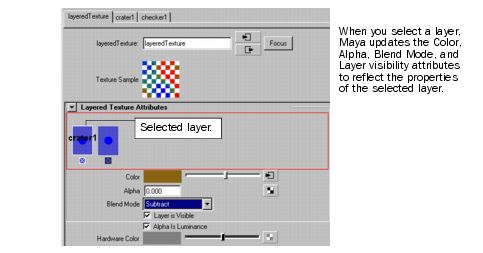
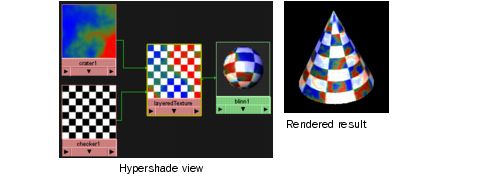
- In the Layered Texture’s Attribute Editor, select the layer you want to edit.
Tip
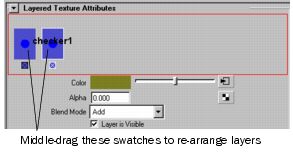
To re-order the layers in the Layered Texture’s Attribute Editor, middle-mouse button drag the texture swatch.
|
Tip
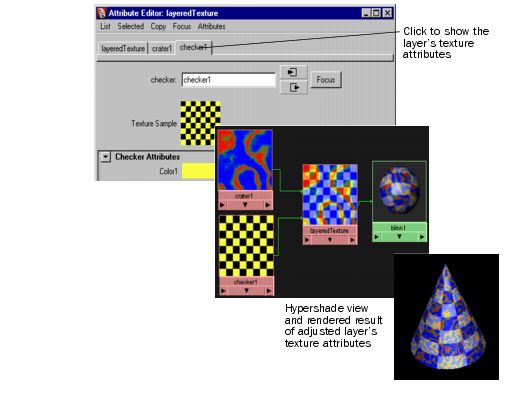
To change a layer’s texture attributes, click the tab at the top of the Attribute Editor to access that texture’s attributes.
|
- Edit any of the attributes. For a detailed description of the attributes, see Layered texture.